- Home
- Math Resources
- Math Apps for Kids
Math Apps for Kids
EVERY Teacher Should Know About!

Are you searching for math apps for kids? Here are my favorite math apps that I use with my students for classroom math activities. I feel these are the best math apps. If you have a suggestion, please share it with us! Scroll down to the bottom of this blog post and leave your suggestion!
All of the math apps I will share are free math apps. I know teachers are always searching for ways to help students in a budget-friendly way. This blog post is for you! Building fact fluency while saving money sounds like a win-win to me.
Math Apps for Kids #1
ixl.com
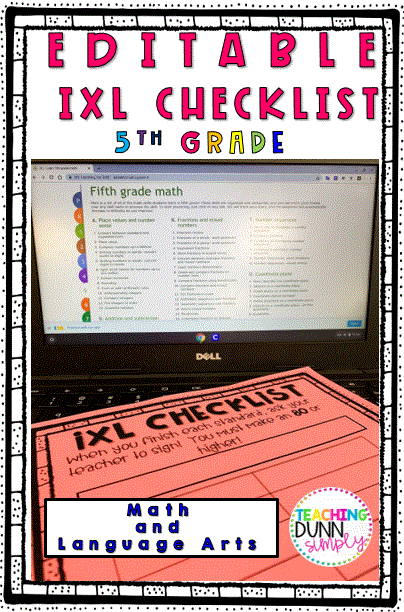
Ixl.com is one of my favorite math apps for kids. This great math app for kids allows you a daily practice limit. However, if you or your school has a membership, this website has so much to offer teachers and students. The information provided by ixl.com is easy to analyze. Simple-to-read graphs make it easy and convenient for teachers to target each student’s learning. Another great feature is called "Real-Time". This allows the viewer to see the level students are performing at and which ones are not progressing. The images below show skills available for grades pre-school through 5th grade. However, the website does serve students up to 12th grade. Check out the ixl.com student checklists that can be found in my Teachers Pay Teachers store. Each checklist includes the power standards that students should master with 80% accuracy. When students complete all standards on each checklist, they receive a reward.
I have created the ultimate ixl.com resource! These IXL Checklists for students are a great opportunity for students to track their learning and ensure as many levels as possible are mastered! Each grade level is editable, so you can select which level and the content area you want your students working on. Click the images below to check each grade level out!
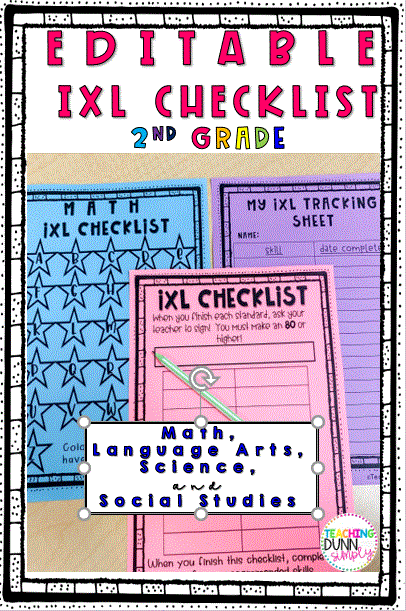 Help keep students on track and motivated to learn!
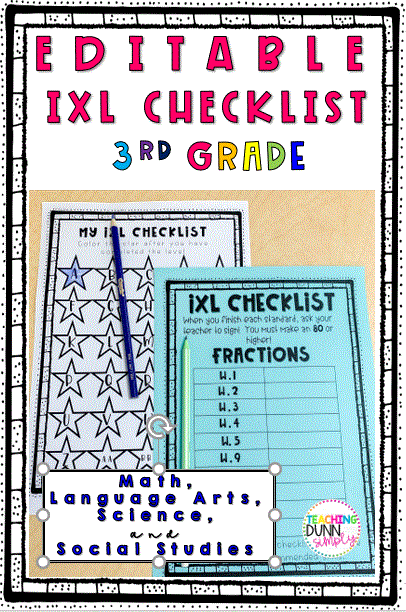 A checklist is a great way to motivate students to make great achievements.
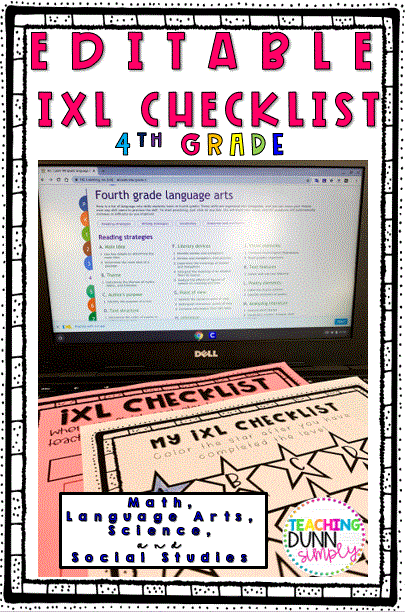 ixl.com Checklist for 4th grade
Check out...
Language Arts and Math or the BUNDLE
(includes language arts, math, science, and social studies)
Math Apps for Kids #2
Xtramath.org
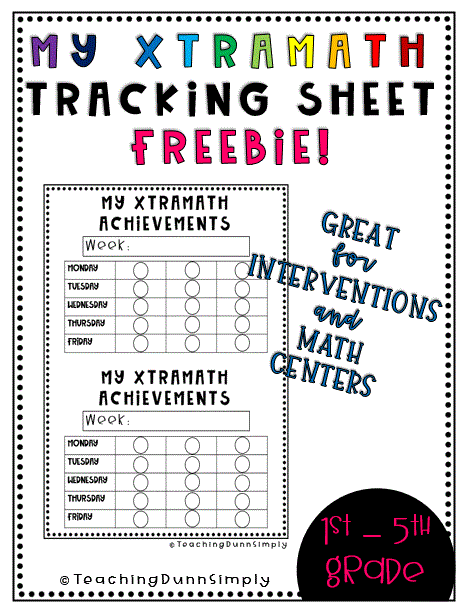
My second favorite math app for kids is xtramath.org. This is my favorite of the completely free math apps that my students use. You can personalize a profile for each student, choosing between addition, subtraction, multiplication, or division. Or, you can select a mixture of all 4. Students will earn a red, yellow, or green dot at the end of each lesson. If my students earn a green dot, they receive a treat. I will also reward them with a homework pass if they consistently receive a green dot for two weeks. Teachers have the option to send home sign-in information with students so they have the option to work outside of school, and parents can track progress.
Math Apps for Kids # 3:
Seesaw
Best. Thing. Ever. This is hands down my students' favorite math activity. Seesaw.com offers a journal-type approach to fun math activities. Teachers are able to use existing activities or create their own. Students are able to speak, type, draw, or write their answers using a variety of tools. The audio recording feature is my students' favorite. Differentiated instruction is easy when your students are using seesaw.com. You have the choice to assign everyone in the class an assignment or just certain students. This makes seesaw.com perfect for math centers and many other math activities.
Math Apps for Kids # 4:
Khan Academy
Khan Academy is a great math app for kids. If you are looking for personalized instruction for your students that offers a variety of academic achievements, give Khan Academy a try. Khan Academy offers options from pre-school to test prep. You can also search the curriculum by grade level or subject matter. Social studies, science & engineering, economics and finance, computing, art, and humanities are just a few of the curriculum options. Videos are included as well as a variety of differently styled questions.
Math Apps for Kids # 5:
Quizizz
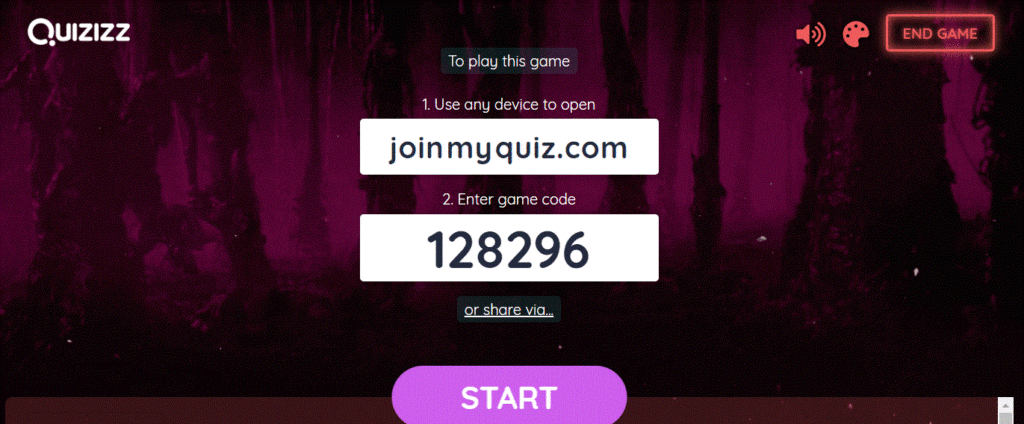
If you are not familiar with www.quizizz.com, go check it out now! My students love this engaging, challenging approach to checking for understanding. My students also love the funny "meme" that pops up after they answer a question! The best part for the teacher is that it does provide students with a grade! You can create your own quiz or choose one from the quiz bank. Students go to www.quizizz.com and click "join game." Then, students will type in the game code to take the quiz you have selected for them to take.
TEACHER TIP
You can change themes for your Quizizz game (classic, Halloween, winter, or ocean) by clicking the painter's tray located in the top right corner.
Math Apps for Kids # 6:
Blooket
Blooket is the newest, greatest, engaging website for classrooms! My students absolutely love playing this great interactive digital game. I love this game because I can easily relate the game questions to the curriculum and current standards.
Here's the deal. The teacher, also known as the host, will choose a super cool game mode. Students will love Battle Royale mode! Share the code with the students and let the game begin. Students can choose their avatar.
Math Apps for Kids # 7:
Splash Learn
SplashLearn offers game-based math practice from PreK through 5th grade with interactive lessons and adaptive learning paths. Teachers and parents can track progress and help students build core skills like addition, subtraction, fractions, and more. My students love this one!
Math Apps for Kids # 8:
Prodigy Math Game
A hugely popular math app among educators, Prodigy turns math practice into a fantasy adventure game where students solve curriculum-aligned problems to complete quests. It adapts to each student’s level and keeps learners engaged with game-style rewards. Trust me, students will beg to get on Prodigy!
Any of the math apps for kids you have read about here, are perfect as an opening activity or to close out the day. I really enjoy implementing www.blooket.com as a test review.
You May Also Like...
Teaching Multiplication
Teaching multiplication can be less stressful when you implement these 5 steps!
Math Resources
Math Resources
Centers for Math
Centers for Math are a much for all math classrooms. Be sure and check out these tips and tricks to transform your math centers!
Recent Articles


-
Online Teaching Tools
Jan 20, 26 07:22 PM
 Online teaching tools recommendations for the best online teaching tools can be found right here!
 -
Back to School Activities
Dec 31, 25 08:29 PM
 Back to School Activities that are great for an online classroom or inside a classroom.
 -
Morning Meetings Activities and EVERYTHING else you need to know
Dec 31, 25 08:22 PM
 Morning Meetings offer so many benefits to your students! Check out these greetings for morning meetings...